Website publishing
Let the page show through the motion.
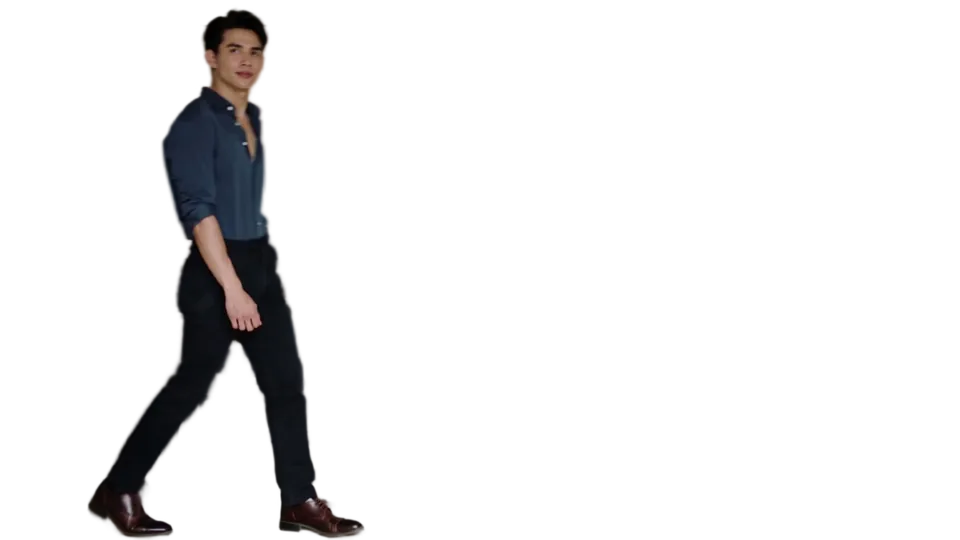
Add a presenter, product or mascot without putting the whole scene in a rectangular player. Keep the page readable when motion is unavailable.
Review current processing, download and publishing allowances on Pricing before you buy.
See the source and transparent result
Generated moving demonstration footage. The interactive page composes the prepared visual over a sample webpage; it does not predict the result or conversion rate of your own video.
Give motion a specific job
A short presenter beside a headline can add context; a product motion can show a detail that a still image does not. Start with that purpose rather than using a large animation because it is available. Keep the offer, navigation and call to action understandable without watching the video.
Make the container’s size explicit before media loads so surrounding content does not jump. Check how the composition changes on a narrow screen. A desktop arrangement with the subject beside the text often needs a separate stacked layout on mobile.
Prepare a transparent delivery, not just a master
Ordinary footage needs background removal before it can reveal your page. An existing alpha master can use the checker instead. Keep the editing master for future changes; prepare a separate web delivery at a size the layout actually needs. A large MOV master is not automatically a suitable browser file.
A raw WebM file leaves browser support, hosting, fallback and caching with your own implementation. A managed AlphaPublish asset adds a stable embed and browser-aware delivery. Neither path proves that a custom page has been checked on every device.
Keep the fallback part of the design
Muted inline playback is more likely to satisfy autoplay policies, but a browser can still refuse playback. Reduced motion, low-power settings, a slow connection or an unavailable media path may leave the visitor with a still image. Choose a poster that keeps the subject and message meaningful in that state.
Do not cover a link with a transparent layer or make an important instruction exist only in movement. When a visual is decorative, keep it out of the reading order. When it communicates information, supply the same information as ordinary page content.
Check the published integration
Install the player script once, use the generated wrapper with an explicit aspect ratio, and inspect the public page rather than only a builder canvas. Test the top and bottom of the crop, parent overflow, layer order and the poster state. Start with the standard HTML, Webflow or Framer recipe before adding custom animation.
When the source changes, prepare and approve a replacement in Workspace. The embed ID and current Hosting expiry stay with the asset. Review renewal and retention dates before client handoff; a stable address does not promise perpetual storage or unpaid delivery.
Frequently asked questions
Do I need to remove the background again to publish a completed result?
Use the unexpired completed result when eligible. Publishing and delivery preparation should reuse that result rather than start another background-removal pass.
Does every browser play raw transparent WebM in the same way?
No. Use an appropriate delivery and fallback, and test current target browsers on the final page.
Can I replace the visual later?
Use the asset’s replacement workflow, review the candidate and approve it. The stable embed remains while the active media version changes.
Sources and review notes
AlphaPublish product limits and workflow statements follow the available product interface; check the displayed limits before uploading or buying. A guide is not evidence that your file has played on every device. Browser, builder, and performance guidance links to primary documentation.